Neat Calendar Widget 1.0

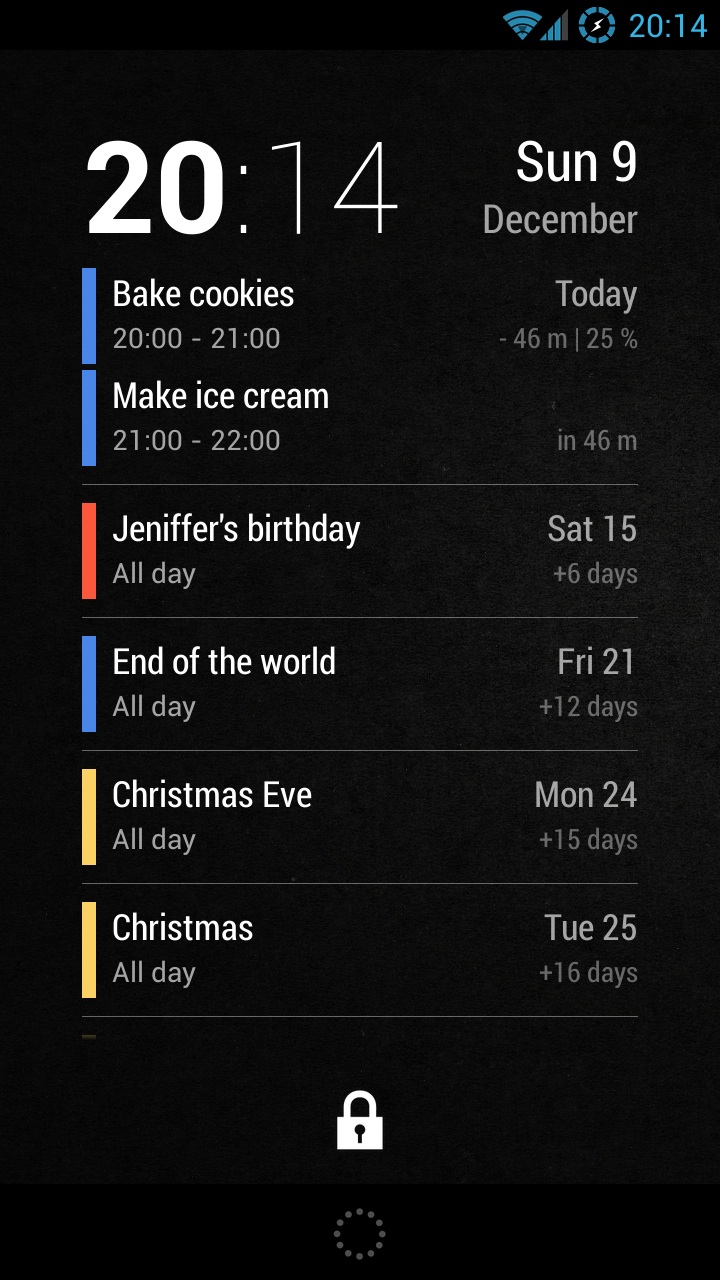
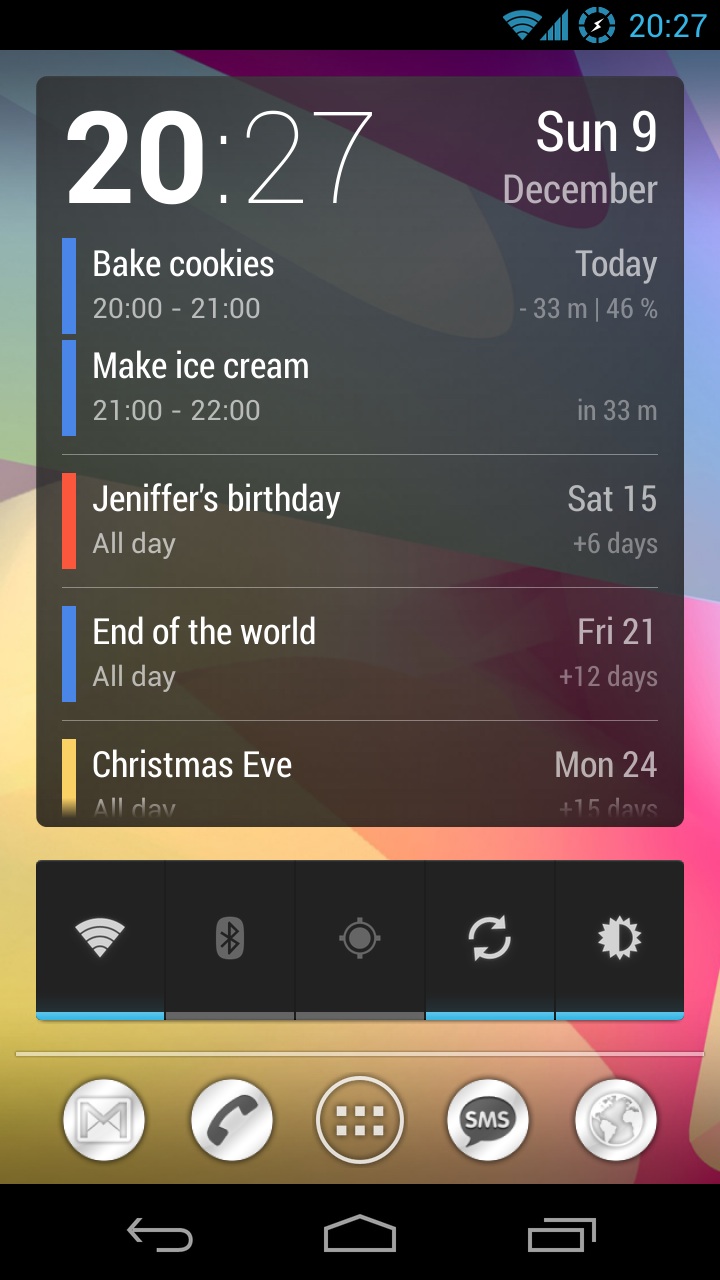
Simple and clean widget designed to be a primary lock screen widget. It shows the current date and time together with events from your Google calendar. Swipe down to expand the widget to the entire lock screen.

  • Resizable and scrollable.
  • Shows the number of days/minutes to the event.
  • Tap on time to launch the Clock app.
  • Tap on the date to open Google Calendar.
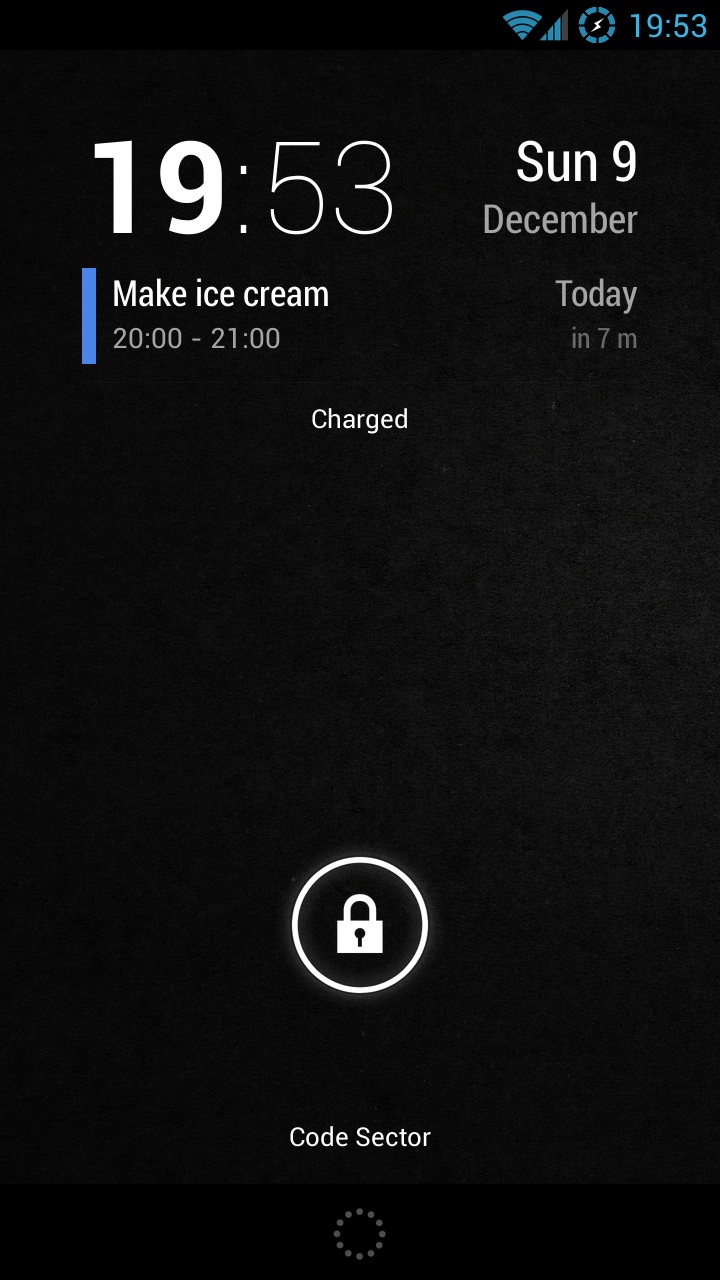
To add to the lock screen (Android 4.2+):

1. Swipe lock screen to the left until you see a big [+] icon.
2. Tap on the icon and select ‘Neat Calendar’.
3. Tap and hold on the widget and move it to the left of the camera screen.

To add to the home screen:

1. Open widgets list in the app drawer.
2. Tap and hold to place the widget on the desktop.
Maverick Pro 2.2

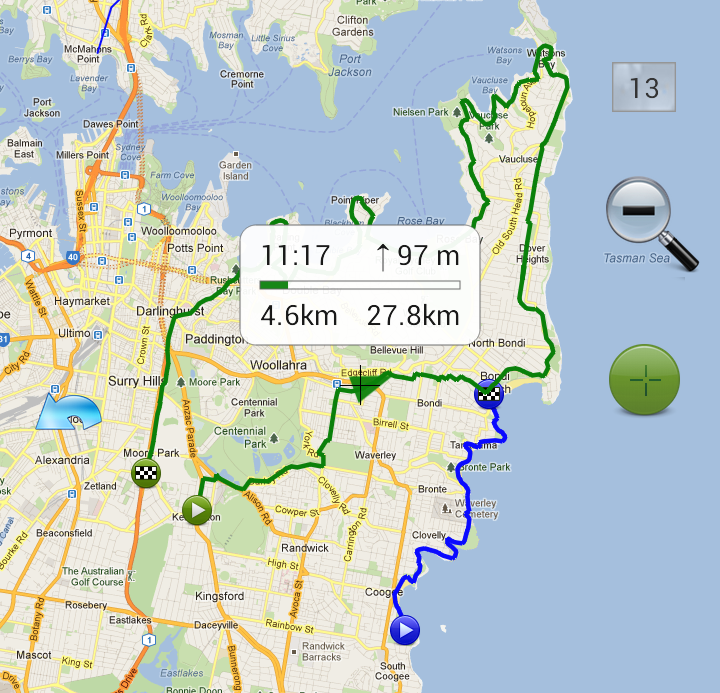
Trackback function will guide you along a previously recorded track with compass pointing to a nearest point. A new track can be recorded at the same time. Tap on the track info tip to start/stop trackback, change direction or set a nearest point.

Turn on Trackback and timer to watch your previous position correlated with the current time on track (multiple green circles). This way you can challenge yourself when going the same track as before.

Track sharing menu was expanded and now contains:

  • Sending file (Email, Dropbox, GDrive..).
  • Viewing GPX track in other apps (like My Tracks).
  • Playing GPX track in Google Earth.
  • Upload to GPSies.

Download: Pro version • Lite version

soundmaven.com

After a year and a half in development we are finally ready to launch the brand new version of soundmaven.com! Please have a look at some pre-aggregated pages:

The site can work a bit slow when it aggregates a page for the first time due to it accessing quite a few APIs. To address this problem, we have cached 1000 most popular artists according to Last.fm and all of their albums.

If you like the site, you can help a lot by spreading the word about it through Facebook, Twitter, or your own blog. We also appreciate any thoughts and opinions you may have, so feel free to post them on the site’s  Feedback page. Thanks!

SpeedView 3.0

This is a major update that improves almost every aspect of the application, from the functionality to the design. It has been in development for quite a while, and we are very excited to finally be able to release it. Please see the detailed list of changes below.

What’s new in 3.0:

  • Updated interface design.
  • Support for extra high-density screens.
  • New customizable speedo graphics.
  • User-selectable indicator views.
  • Smooth compass and speedo animation.
  • Automatic GPX export option.
  • A new algorithm for GPS filtering.
  • Service now runs in the foreground.
  • Auto switch to GPS heading option.
  • Better organized settings screen.
  • Support for 1280×720 resolution.
  • Android 4.1 (Jelly Bean) compatibility.
  • Many other tweaks under the hood.

Direct Folders 3.72

  • Added: Ability to switch file dialogs to Large and Extra Large Icons modes.
  • Added: Changing ‘Load at Windows startup’ option without admin rights.
  • Fixed: Auto set view and sort modes under Windows Vista/7.
  • Fixed: Detecting currently open Explorer windows.
  • Fixed: Showing the path of the current executable for 64bit apps.
  • Added: Support for Total Commander 8.01rc4
  • Fixed: Double-clicking in file dialogs with file grouping.
  • Fixed: Not showing drives with more than 1 TB in size.

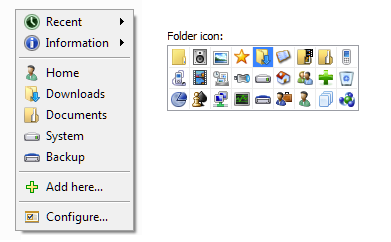
Almost all features should be working now under Windows 7/8. The main menu was also redesigned a little and new icons were added:

Download: codesector.com/files/directfolders.exe