Droid NAS was updated to version 1.1 which adds password protection option. Screen will now always stay on while application in foreground.
InDrive 1.1
- Minimum accuracy
- Filter the GPS speed
- Clear individual data
- Hide the action bar
- Two more shortcut pages
- Better screen space usage
- Improved Poweramp integration
- Fixed: Force close when direct calling
Note for Android 4.2.x users: Unfortunately, it appears that Google has removed dock home support in Android 4.2. Pressing the Home button will now return you to the launcher screen instead of InDrive or other car home app of choice. If you would like this feature back, please vote for this issue.
New Year 50% Discount
We are offering a 50% discount starting today through January 7, 2013 on all our software. Just visit codesector.com/purchase, no coupons are required.
TeraCopy 2.3 beta 2
- Added: Support for Total Commander 8.01 x64.
- Added: Auto-splitting files on FAT32 file systems.
- Added: Additional check for trimming file, useful on D-Link NAS devices.
- Added: ‘Confirm drag and drop’ option.
- Fixed: Removing files from filelist when not enough disk space.
- Fixed: Skip button now works on error files.
- Changed: Flashing window instead of tray notification.
Download: codesector.com/files/teracopy23beta2.exe
InDrive: Custom Car Home 1.0
We are pleased to announce the launch of a new Android application that may appeal to everyone who uses their phone while driving.
InDrive is a unique application that combines superior car home functionality with an advanced trip computer and deep Poweramp integration. The app makes it very easy to launch your favorite applications, direct dial numbers, view your trip information, and control music playback*. It will auto launch when placed in a compatible car dock. If you don’t have a physical car dock, InDrive provides an option to force the phone into car mode, in which it will override the Home button.
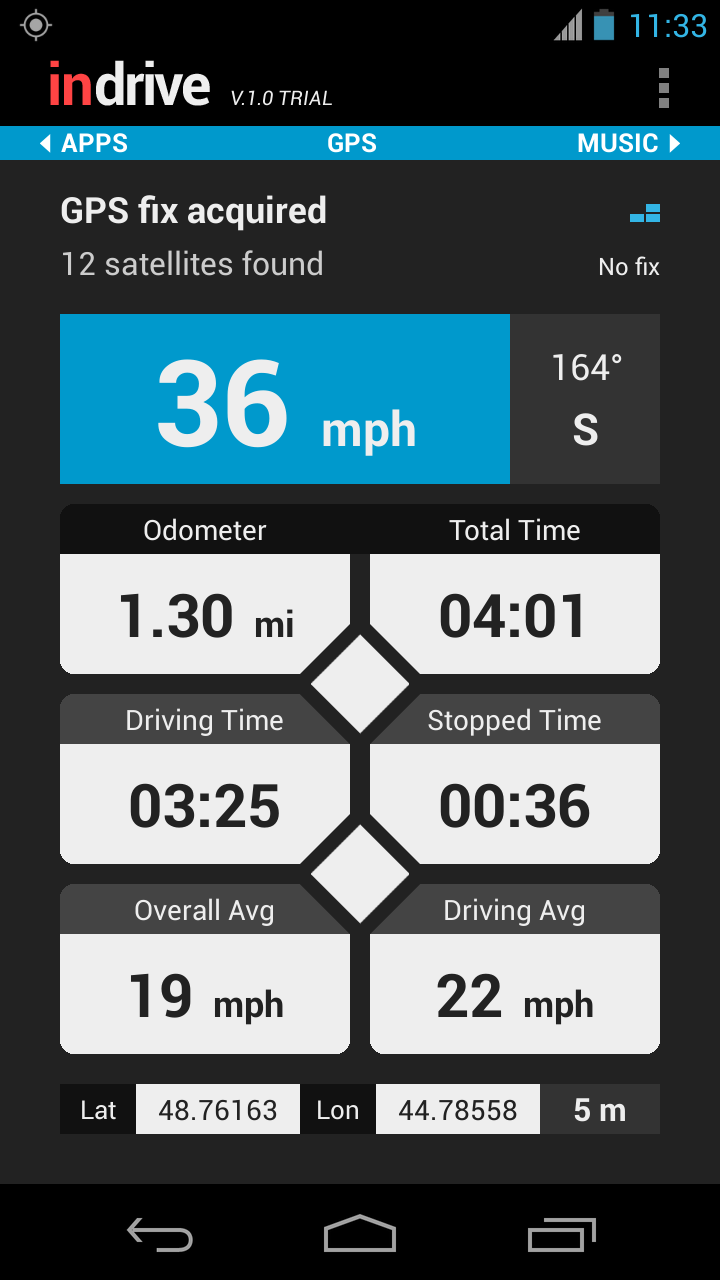
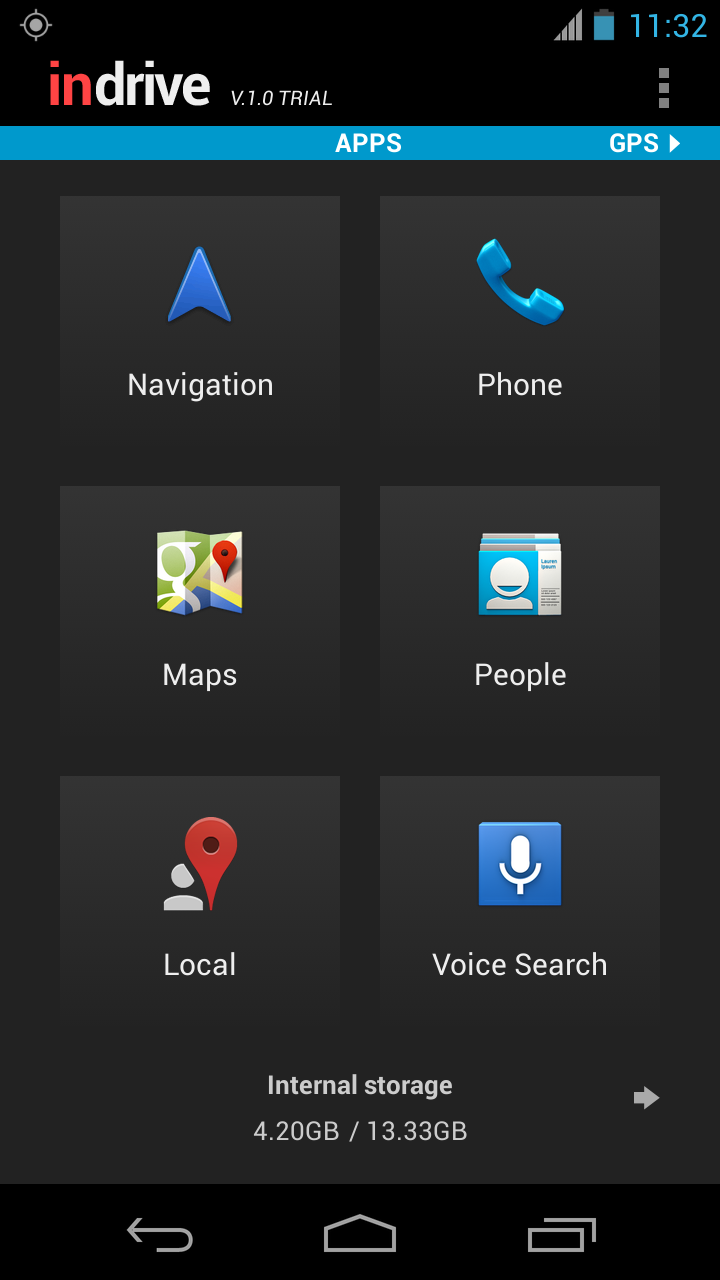

* The music screen is designed to work in conjunction with Poweramp. Without Poweramp installed, you will only be able to do very basic controls such as switching to the next song in the default Android music player. Support for other media players is not guaranteed.
Please download the app from Google Play and tell us what you think. Your feedback is much appreciated.