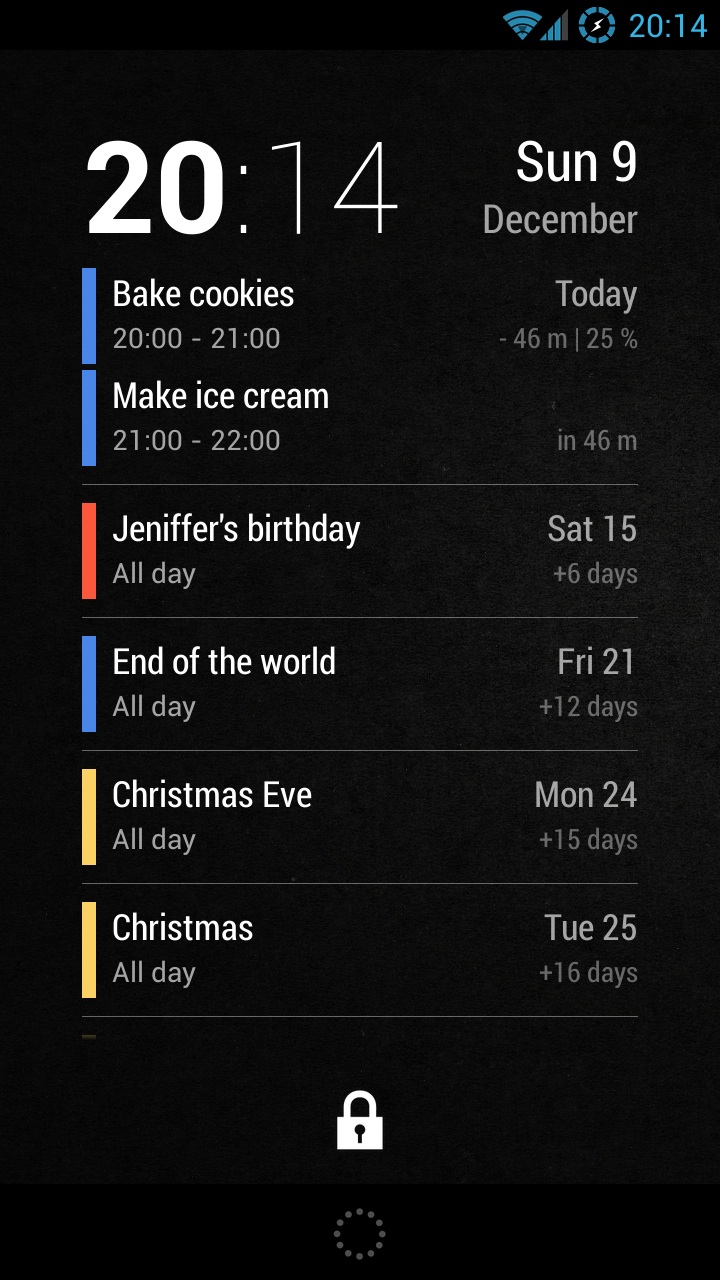
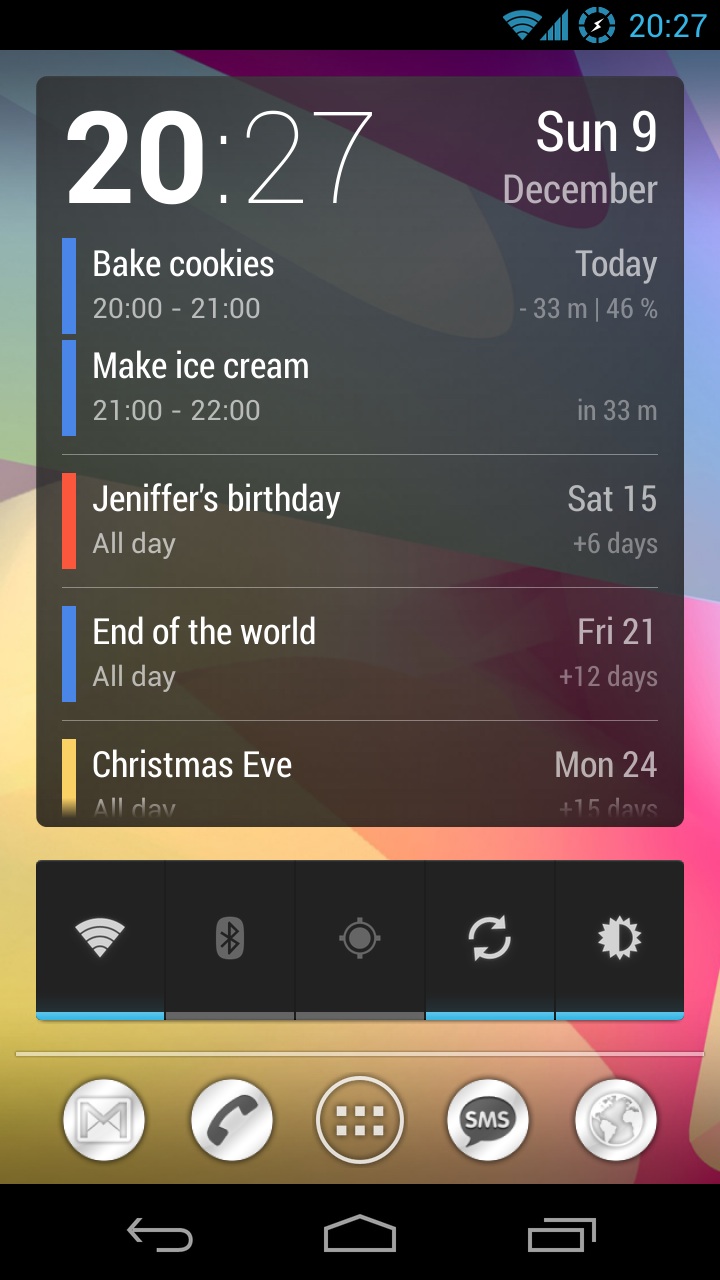
Simple and clean widget designed to be a primary lock screen widget. It shows the current date and time together with events from your Google calendar. Swipe down to expand the widget to the entire lock screen.

  • Resizable and scrollable.
  • Shows the number of days/minutes to the event.
  • Tap on time to launch the Clock app.
  • Tap on the date to open Google Calendar.
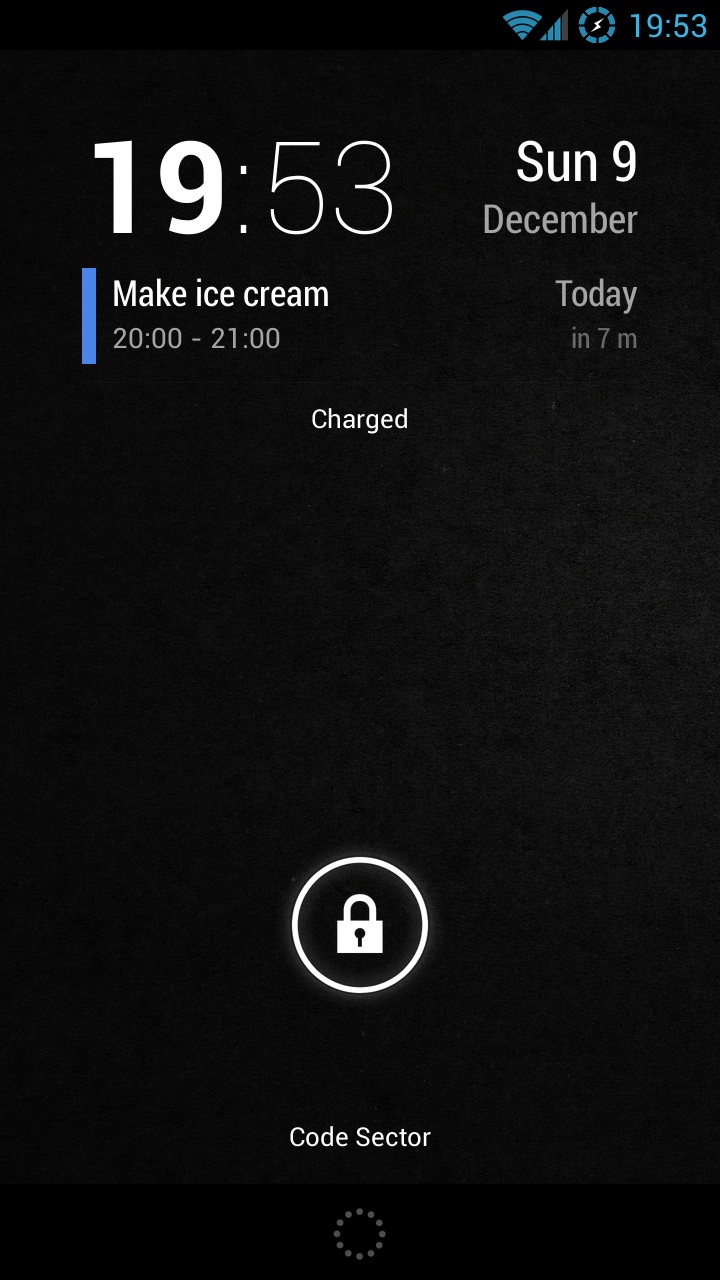
To add to the lock screen (Android 4.2+):

1. Swipe lock screen to the left until you see a big [+] icon.
2. Tap on the icon and select ‘Neat Calendar’.
3. Tap and hold on the widget and move it to the left of the camera screen.

To add to the home screen:

1. Open widgets list in the app drawer.
2. Tap and hold to place the widget on the desktop.

Neat Calendar Widget 1.0

6 thoughts on “Neat Calendar Widget 1.0

  • December 21, 2012 at 11:58 pm
    Permalink

    This simply did not work for me, following the above instructions exactly. Swiping the lockscreen simply took me to the home screen. I have Android 4.1.1 on a Galaxy S3. Is this app meant for a different OS or phone? Very disappointing because it offered exactly what I wanted.

    • December 22, 2012 at 6:01 pm
      Permalink

      Sorry, lockscreen widgets only available in Android 4.2. Will update my post.

  • January 8, 2013 at 5:51 pm
    Permalink

    Could you please tell me how to set an option to remain today’s events? They vanish when completed 🙁 Thanks in advance!!!

    • January 10, 2013 at 12:49 pm
      Permalink

      ??? Anything?

      It could be left on screen with 100% tag, as completed indication.

  • January 11, 2013 at 1:47 pm
    Permalink

    Halo Halo???

Comments are closed.