TeraCopy 3.4 progress update

The next version is almost ready, it will be more helpful in case if something goes wrong with a file transfer.
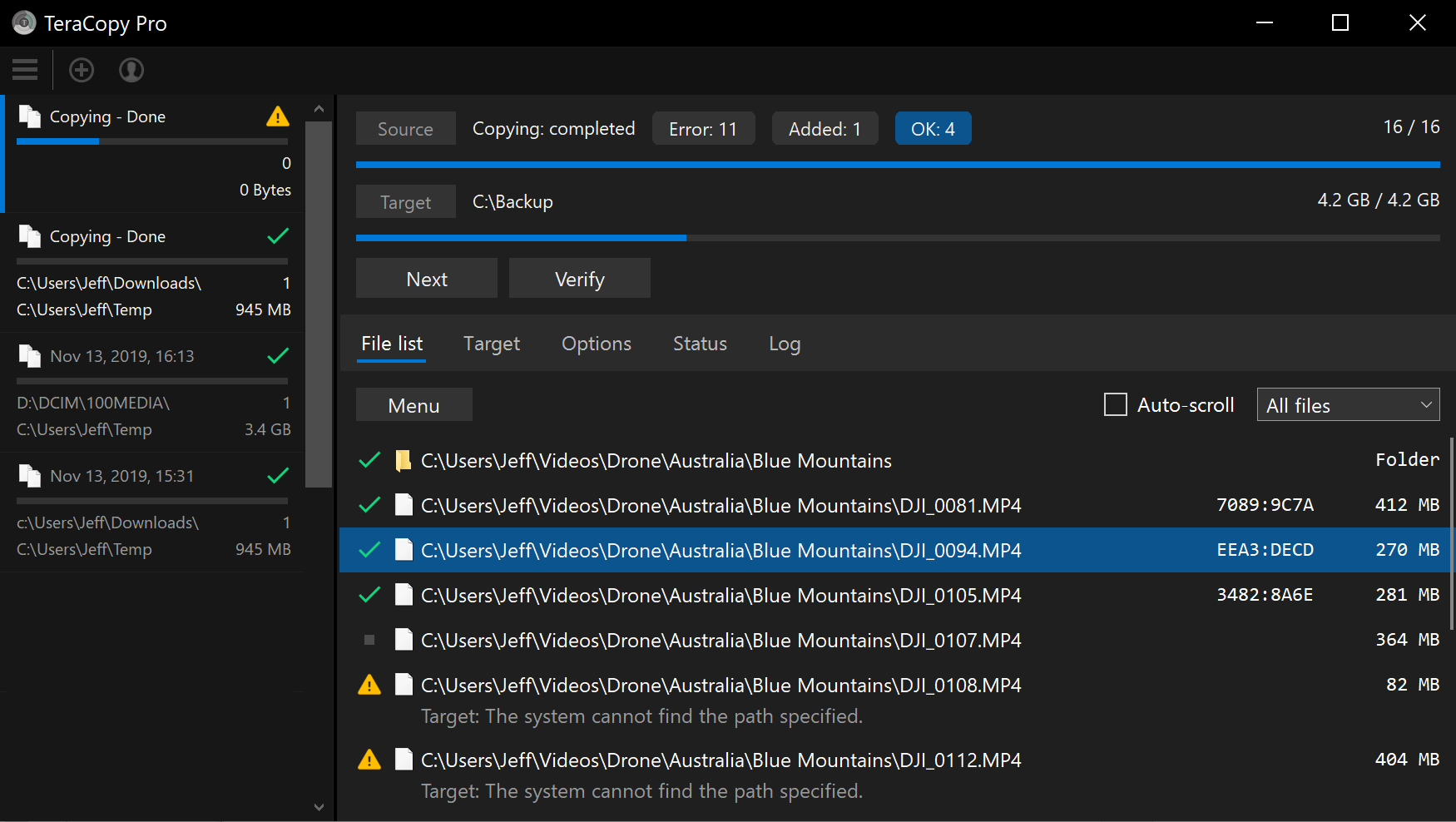
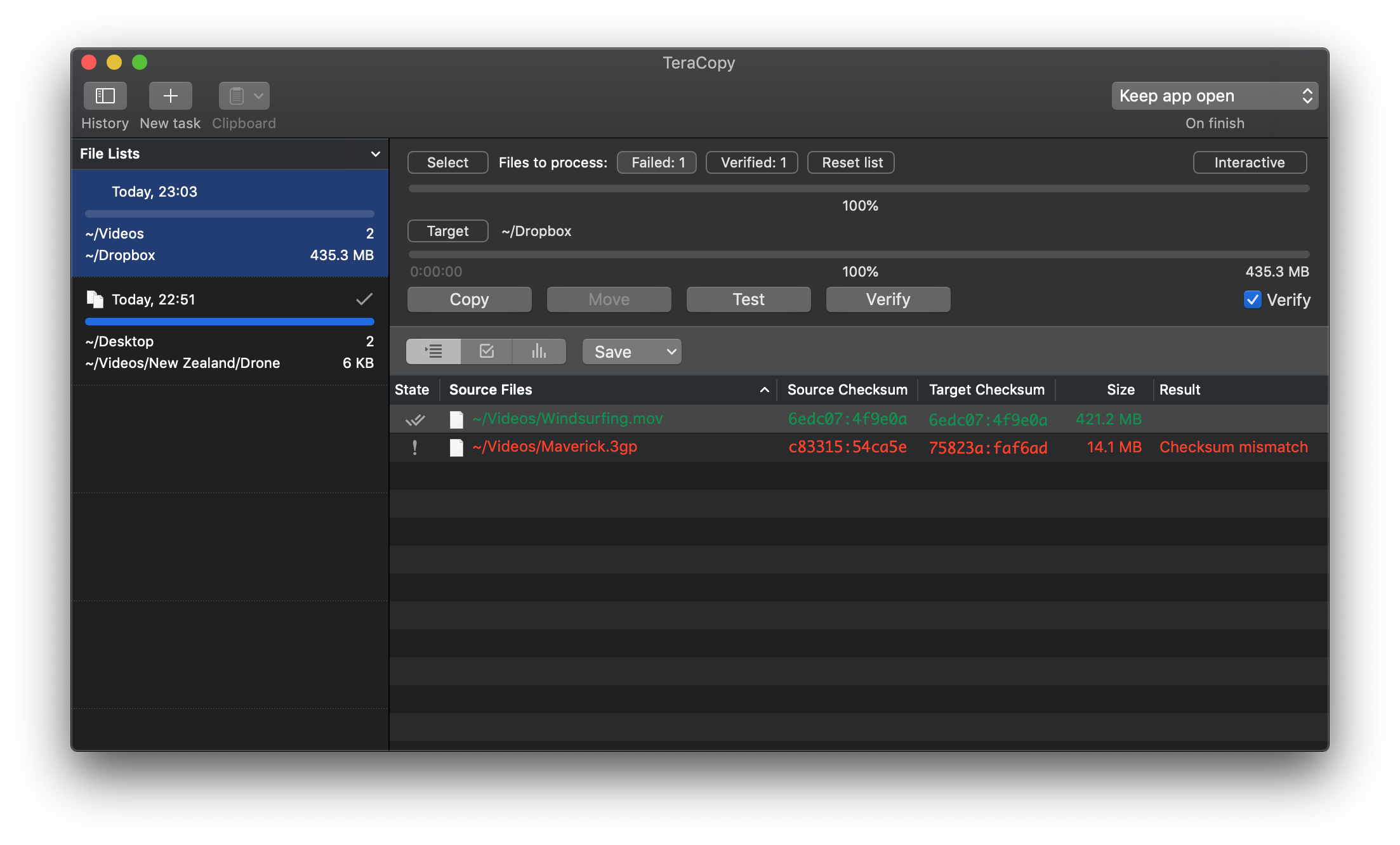
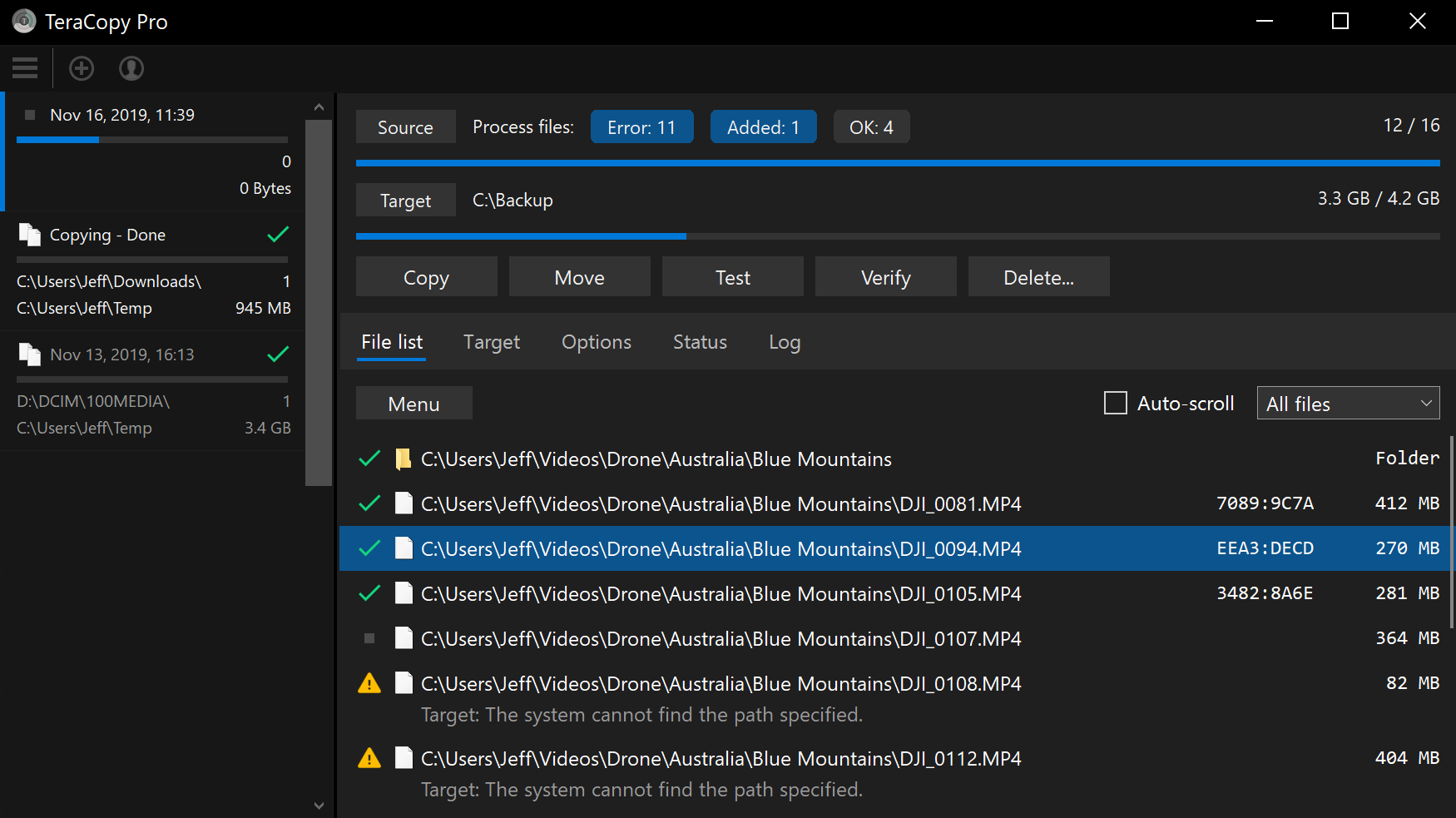
To retry the operation, simply click Next to return to the ‘start screen’. Select which files (failed/skipped/etc) you want to process again. You can also verify files against any target folder even before copying.
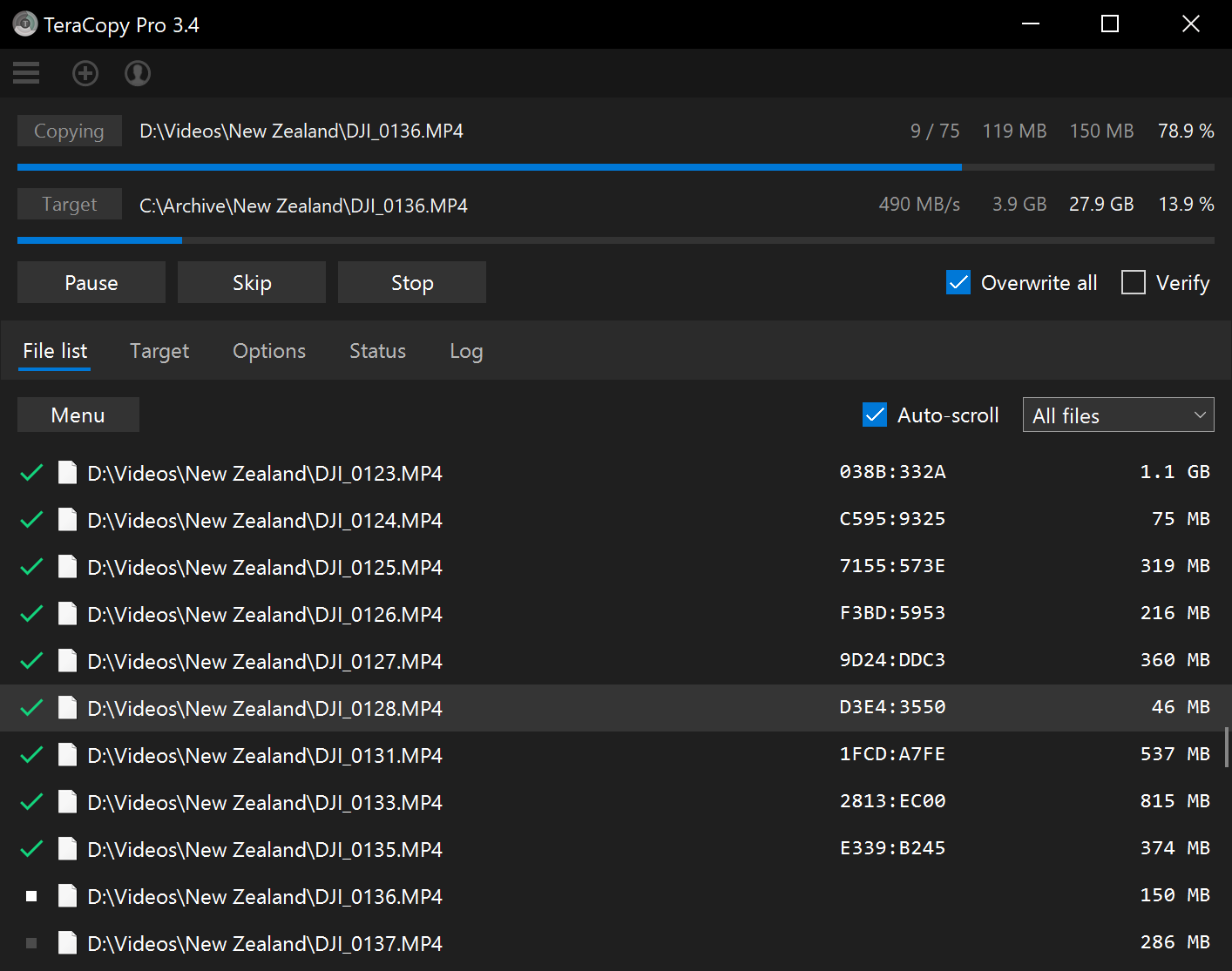
TeraCopy is now on Mac App Store

What’s new:

  • Faster file copying.
  • Show errors below the filename.
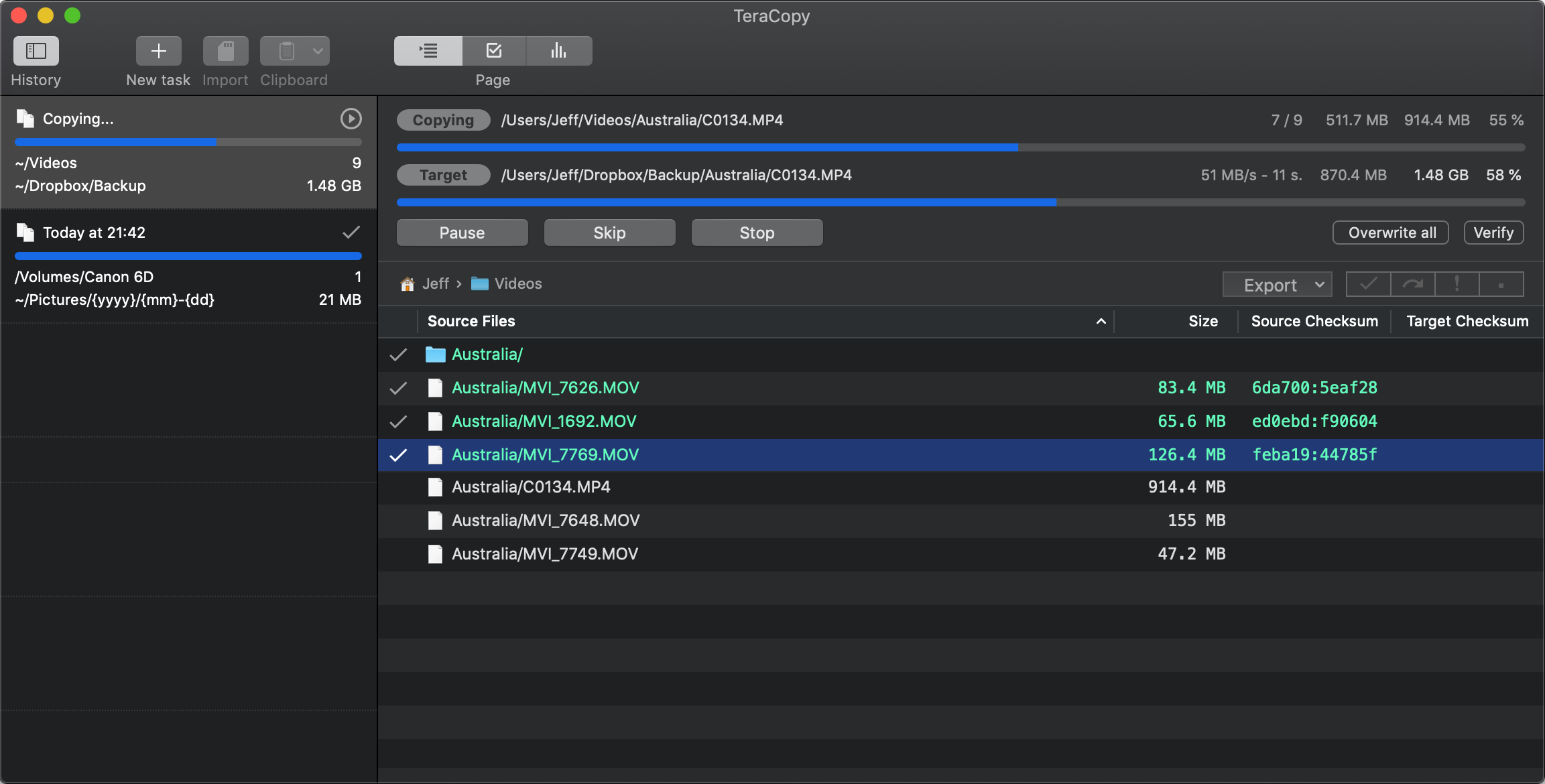
  • File list filter (Done/Failed/Skipped).
  • Compatibility with md5sum.
  • Correct progress for partial transfer.
  • OSX 10.12 support.
  • Dock progress bar.
  • Share extension.
  • Delete all tasks.
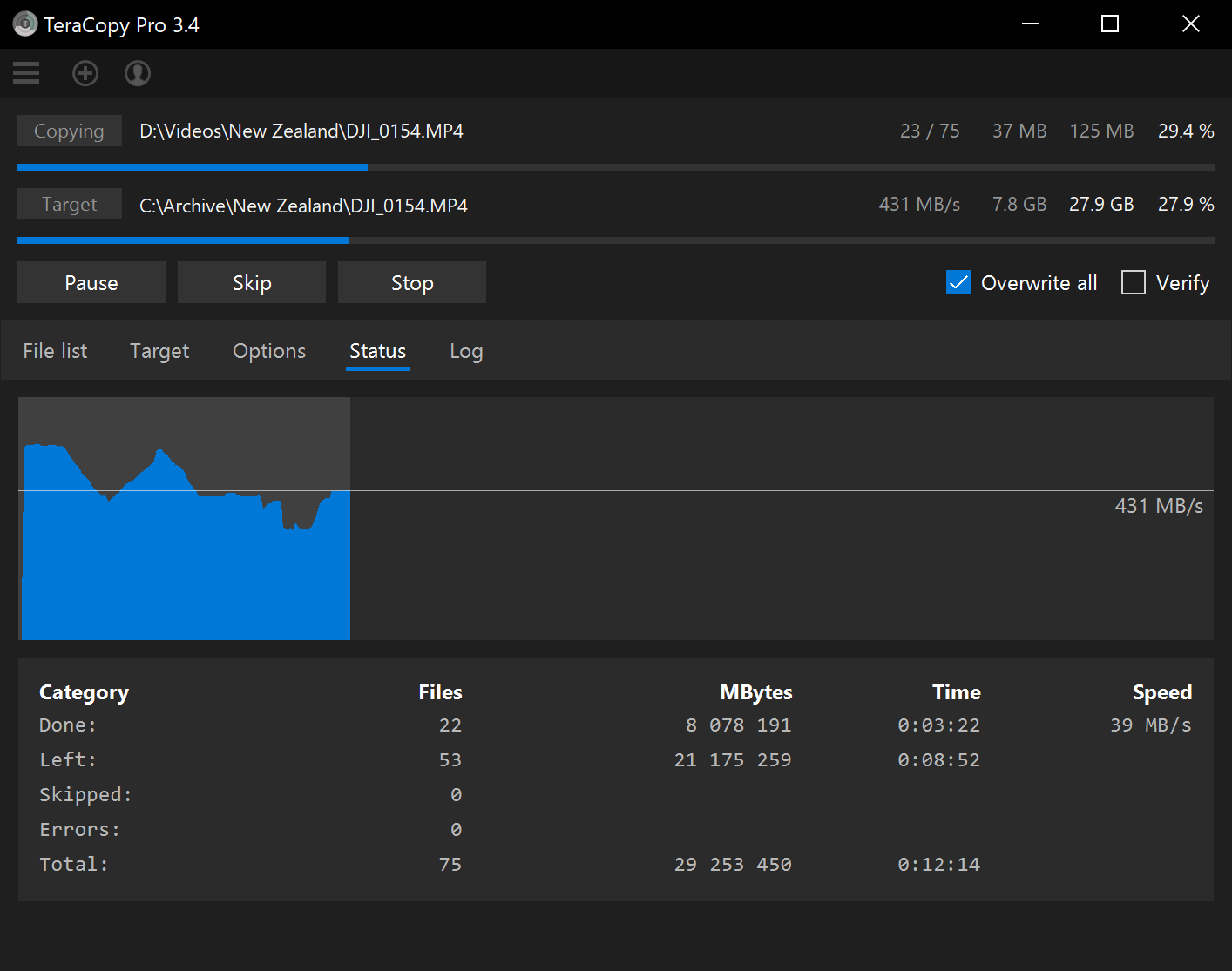
  • Average speed and estimated time.
  • Optimized checksum files check.
  • A lot of small enhancements and fixes.

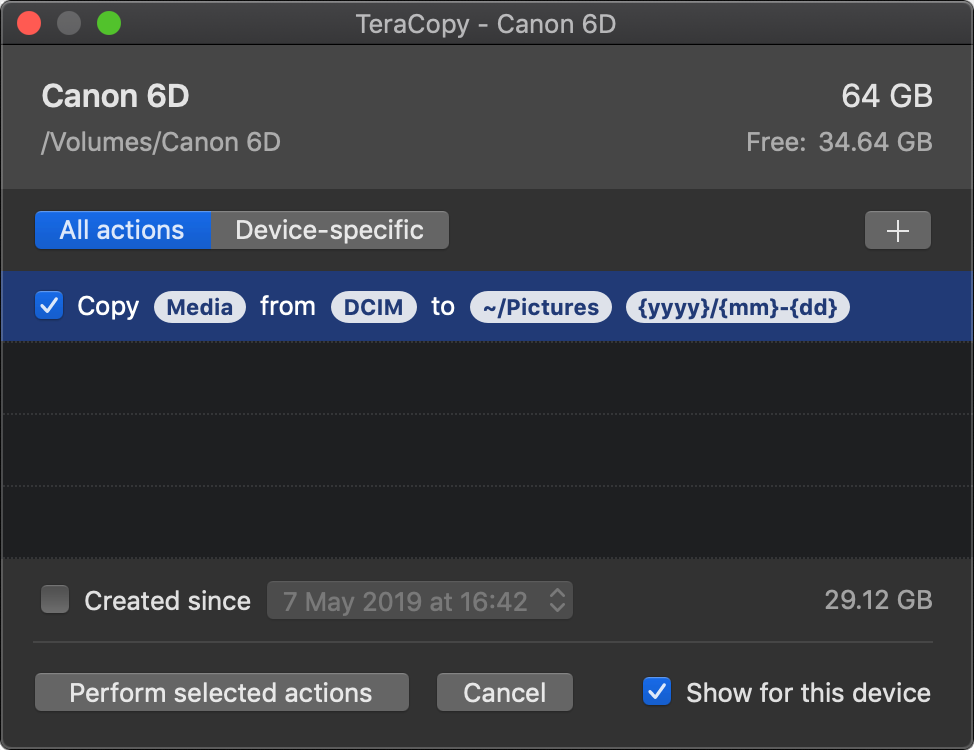
Media import dialog

Copy photos and videos from removable storage into folders by date taken. Type of files, source and destination folders can be customized for all or selected devices only.

TeraCopy for Mac OS X

Currently implemented:

  • File copying
  • File verification
  • File replace dialog
  • Target folder panel
  • Save checksum files
  • Add files from clipboard
  • History sidebar
  • Finder shortcut: Cmd+Alt+V
  • Pausing/stopping tasks
  • Skipping files
  • Calculating MD5/SHA1/SHA256 hash
  • Transfer options
  • Replace modes
  • Auto-verify after file transfer
  • Dark mode on Mac OS Mojave

Download: teracopy1a.dmg

TeraCopy 3.3 beta

Changelog:

– Added: copy security information (ACL, Owner, Audit).
– Added: relaunch TeraCopy in elevated mode.
– Added: append a part of the source path to a target path.
– Added: an option to bypass Windows write cache.
– Fixed: a few minor errors.

Note: a newer version is now available.