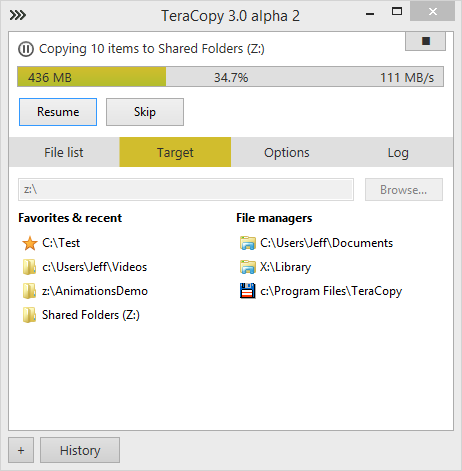
Target folder selection:

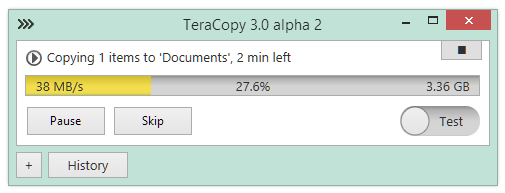
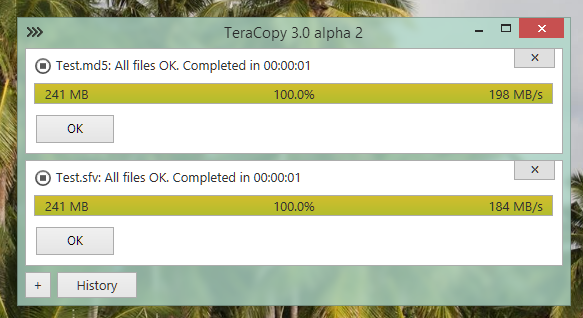
Feel free to test this new alpha version:
Not present in this version: moving and deleting files, displaying/editing file list, overwriting files.
Download: newer version available.
Note: Temporarily removed auto-install of TeraCopy Windows service due to false alarms of antivirus software. If you want to try it, please run TeraCopyService.exe /install in Admin mode.
We are offering a 50% discount starting today through January 14, 2015 on all our software. Just visit codesector.com/purchase, no coupons are required.
A new version of TeraCopy is currently being rewritten from scratch. The goal is to make it faster and more extensible. Planned features include:
TeraCopy 3 beta is expected to be released early next year.
Update from December 7:
The new copy engine is ready and shows a good speed with both large and small files. Testing was done with a single 8 Gb file and 9 000 small files (300kb in size). In both cases speed was on a par or slightly faster than in Windows copy. MD5 hash calculation was on during the large file copy. Small files copying speed improved a lot after disabling Windows Defender.
Update from December 12:
TeraCopy now can avoid UAC prompts while reading files usually requiring elevation. This will eliminate possible ‘access denied’ errors in a middle of the copy process. For security reasons this feature will be available only to non-elevated administrators, users with a ‘standard account’ will still be required to start TeraCopy with admin privileges.
Update from December 17:
Copying using Volume Shadow Service is ready. Used usually in backup applications, it allows you to copy files locked by other applications.
Maverick 2.6 is just released with map tiles downloader. You can “paint” areas to download with one finger or select a rectangle block using multi-touch. Select on the left all zoom levels you want to download. Tap and hold to select at once all zoom levels up to the selected level.
Download: Pro version • Lite version